
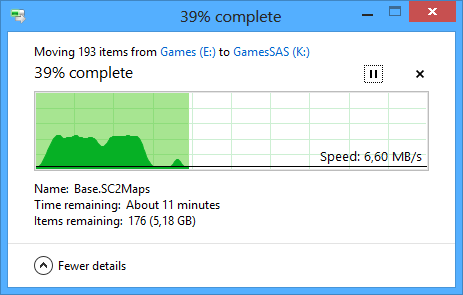
I bought a Seagate Cheetah 600GB ST3600057SS SAS hard drive and it has a problem with file transfers. I have tested it on three different PCs and three different SAS Controllers. Transfer rate with a Seagate Cheetah 15.7k and a WD VelociRaptor 600GB is initially fast, 80-100MB/s, but later it slows down to 10MB/s and stays there.



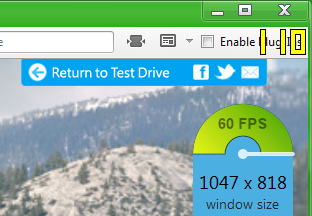 Many programs and games have 60FPS or 60Hz limits. These should be lifted to benefit and promote 120Hz monitors.
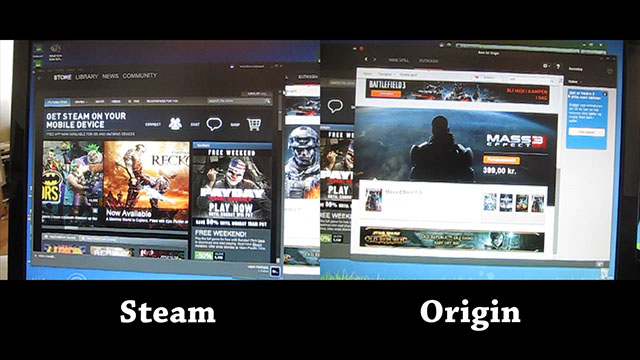 Steam vs Origin UI responsiveness test. I noticed Steam was slightly jerky to use, and I compared it to a similar program. Both are digital distribution services for PC games, but one is coded more natively to Windows (Origin) and the other more open source WebKit (Steam).
 Bad Corporate culture, or a handy reminder? At least the customers should know about this, and have the option to “opt-in” to this “service.”